Sabaay-Kroo
Educational Activity Management System for Thai Schools
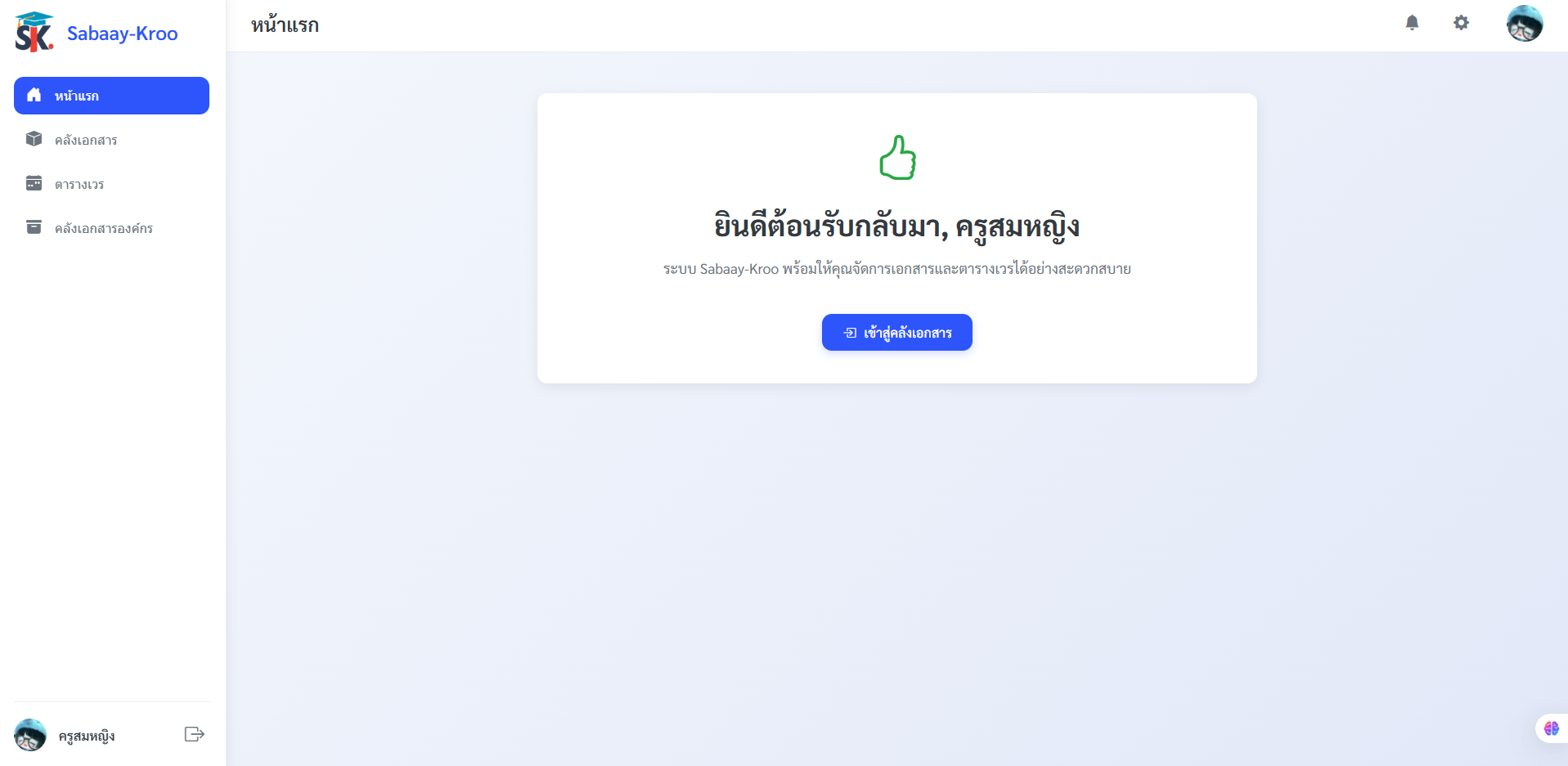
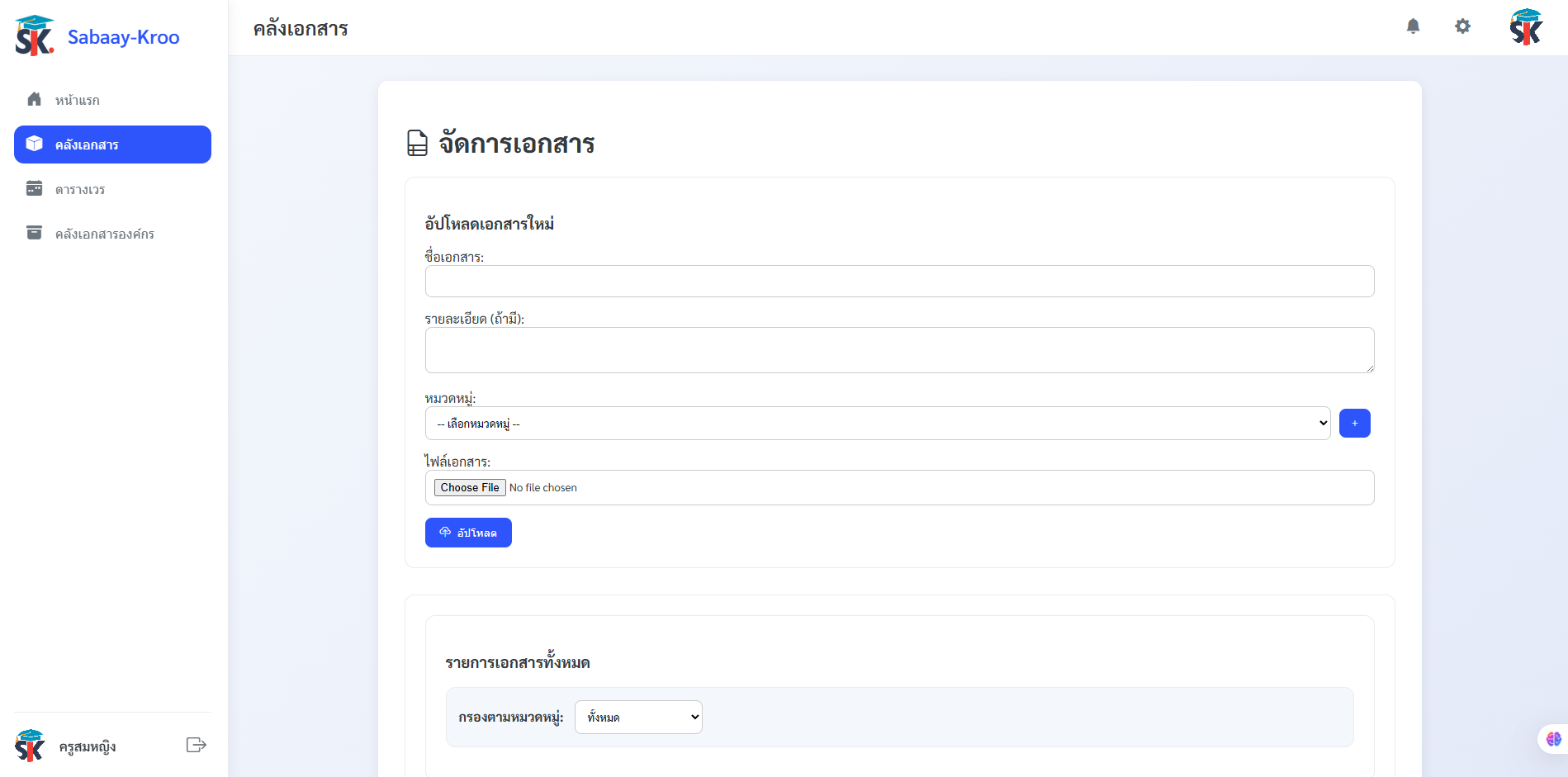
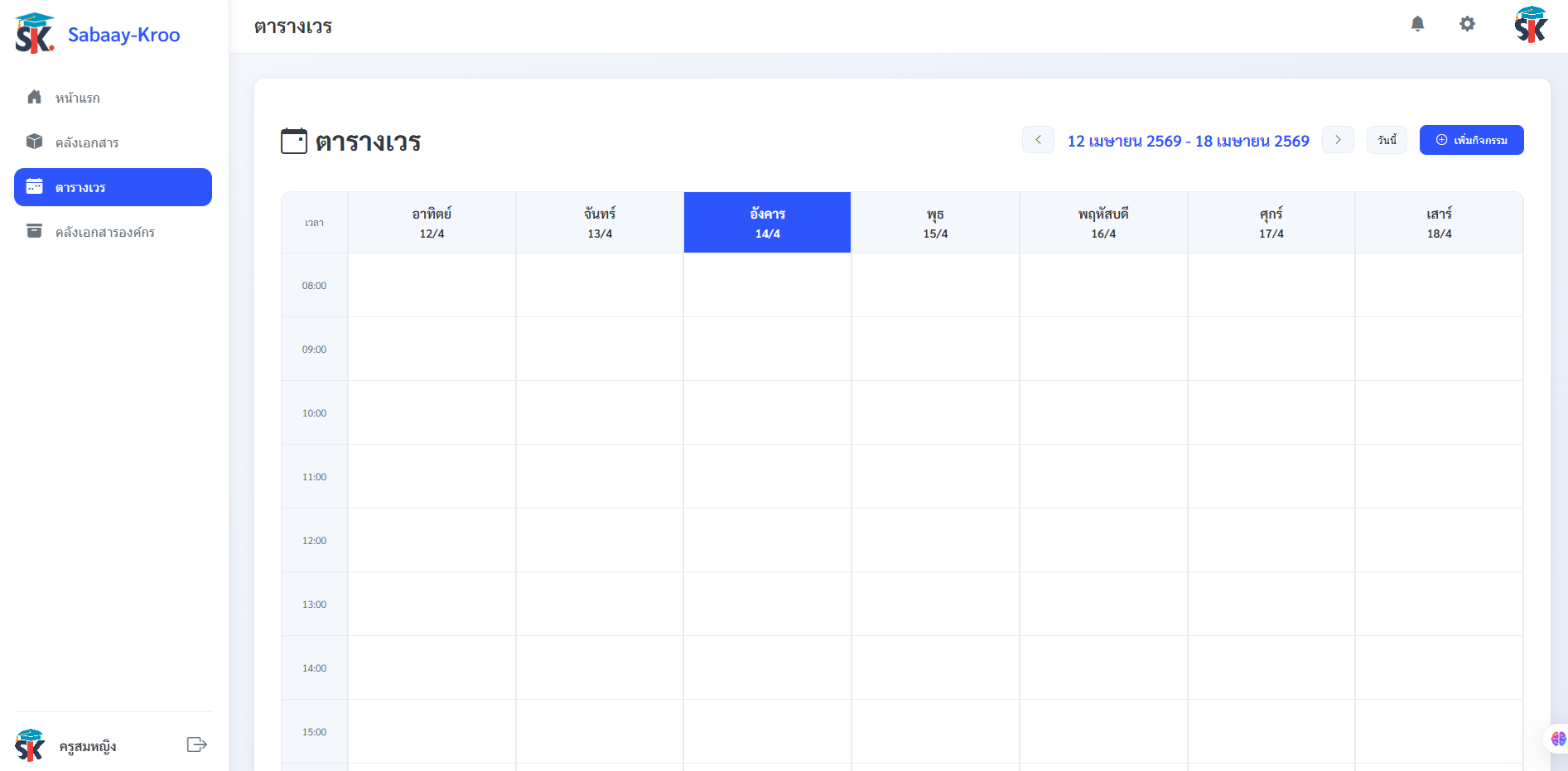
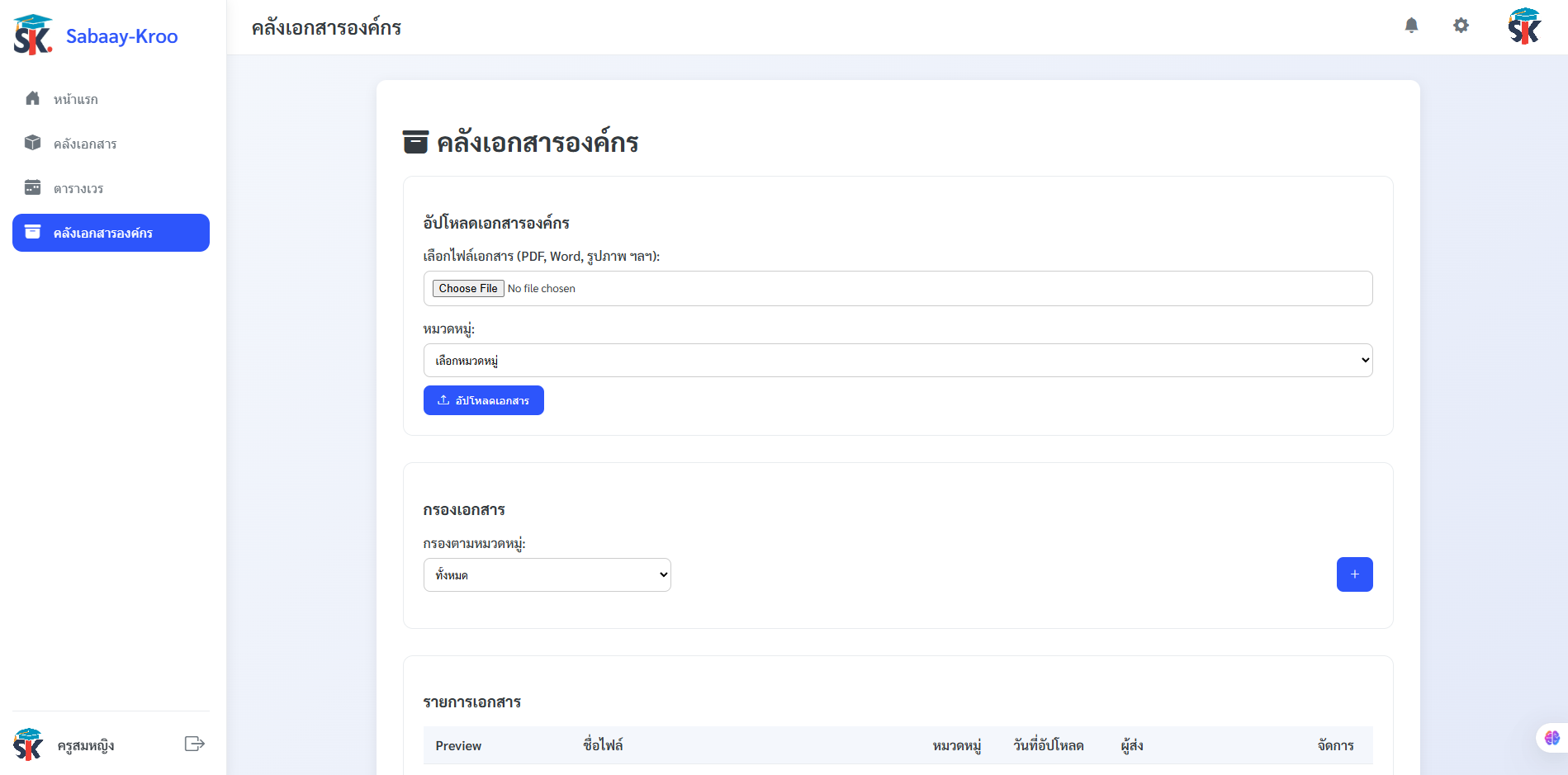
Sabaay-Kroo (สบายครู — meaning "Teacher's Ease" in Thai) is a full-stack web application built for schools to centralize and streamline educational administration. The system provides teachers, staff, and administrators with a unified platform to manage documents, schedules, calendars, and notifications — reducing administrative overhead and improving coordination across the school.
The platform supports multiple staff roles with appropriate access controls, ensuring documents and data are shared appropriately while keeping sensitive information protected. Built with Thai educational institutions in mind, it supports Thai language throughout — UTF-8 charset, Sarabun font, and Bangkok timezone.
User Authentication
Secure login with JWT tokens and bcrypt password hashing. 1-day token expiry with Bearer header validation on all protected routes.
Personal Document Library
Upload, tag, download, and manage personal teaching documents — PDF, Word, Excel, PowerPoint, images, and more (up to 50 MB).
Organization Repository
School-wide shared document system with category-based organization for easy discovery and access by all staff.
Activity Calendar
Weekly calendar view with event management, status tracking, and Google Calendar sync via OAuth 2.0 with automatic token refresh.
Notification System
Multi-level notification center with priority levels (urgent, high, normal, low), type filtering, and 30-second auto-refresh on the client.
Admin Dashboard
User management, role assignment, category/tag administration, and full audit logging with IP address and user agent tracking.
Profile & Settings
Update display name, username, password, and profile avatar (up to 5 MB). Secure forgot-password flow that notifies admins.
SQL Migration System
Ordered .sql files run via npm run migrate for reproducible, version-controlled DB setup.
Authentication Flow
- 1 User submits credentials → bcrypt password validation on the server
- 2 Server issues a signed JWT with 1-day expiry
-
3
Client stores the token in
localStorage -
4
Every API request sends
Authorization: Bearer <token>header -
5
authenticateTokenmiddleware validates all protected routes
System Stack
- ① Client (HTML / CSS / JS) sends requests to the Express REST API on Port 3000
-
②
Express API reads and writes to the
sabaay_krooMySQL database - ③ Calendar routes authenticate with Google Calendar API via OAuth 2.0, with tokens stored per-user in the database
| Table | Purpose |
|---|---|
| users | Accounts with roles: admin, teacher, staff, caretaker |
| documents | Personal documents stored as LONGBLOB with tag association |
| document_tags | Customizable document categories per user |
| organization_documents | School-wide shared document repository |
| document_categories | Organization document categories |
| notifications | Notifications with type, priority, read/archive status |
| notification_types | Notification categories with icon and color metadata |
| notification_settings | Per-user notification preferences |
| password_reset_requests | Secure reset token tracking |
| admin_actions_log | Full audit trail of admin actions (IP + user agent) |
| logs | General system activity logs |
- POST/api/loginAuthenticate user
- POST/api/auth/forgot-passwordRequest password reset
- GET/api/documentsList personal documents
- POST/api/documents/uploadUpload document (multipart)
- GET/api/documents/download/:idDownload document
- GET/api/organization-documents/tagsList org document categories
- GET/api/notificationsGet notifications (paginated)
- GET/api/calendar/google/authStart Google OAuth flow
- GET/api/calendar/google/callbackOAuth callback
- POST/api/calendar/google/create-eventCreate Google Calendar event
- POST/api/calendar/google/disconnectUnlink Google Calendar
- GET/api/admin/usersList all users (admin only)
- POST/api/admin/userCreate user (admin only)
- PUT/api/admin/user/:idUpdate user (admin only)
- DEL/api/admin/user/:idDelete user (admin only)